

Understanding the Role of Professional AV Installation
Modern workplaces depend on technology to support meetings, presentations, communication, and collaboration. Professional audio visual installers help businesses create connected spaces by planning, positioning, configuring, and integrating the equipment required for these activities. Their role extends beyond simply placing screens or speakers in a room. A well-planned installation considers how every component will work together and how employees will interact with the finished system.
What Audio-Visual Installers Typically Handle
Professional AV installation can involve displays, projectors, speakers, microphones, cameras, control systems, conferencing equipment, and connectivity solutions. Installers assess the environment before determining where individual components should be positioned. They can also configure systems so that users can operate essential functions without dealing with unnecessary technical complexity.
Why Proper Installation Matters Beyond Choosing Equipment
Selecting high-quality equipment is only one part of creating an effective AV environment. Incorrect positioning, poor connections, unsuitable configuration, or inadequate cabling can affect performance. Professional installation helps ensure that selected equipment is used effectively while reducing avoidable issues that may interfere with meetings, presentations, and everyday communication.
Planning the Right AV Setup
Assessing Room Layout and Intended Use
Every space has different requirements. A small meeting room may need a straightforward display and conferencing system, while a larger presentation area may require multiple displays, microphones, speakers, and control options. Considering room size, seating arrangements, lighting, acoustics, and typical activities helps determine the most appropriate setup.
Matching Equipment and Technology to Specific Requirements
The technology should support the way a business intends to use the space. A conferencing room may prioritise cameras and microphones, whereas a training room may require reliable presentation equipment and clear audio. Matching components to practical requirements can help avoid unnecessary features while ensuring important functions are available.
Considering Future Expansion and Flexibility
Businesses often change their technology requirements as teams grow and working practices develop. Designing an AV setup with flexibility in mind can make future upgrades easier. Scalable connections, adaptable equipment, and organised infrastructure can provide greater opportunities to modify the system without completely replacing the installation.
Integrating Audio and Visual Technology
Connecting Displays, Sound Systems, Control Equipment, and Other Components
An effective AV environment depends on communication between multiple components. Displays, sound systems, cameras, microphones, control panels, and other equipment need to work together correctly. Proper integration allows information to move smoothly between devices and helps maintain consistent performance.
Creating a Seamless User Experience
Technology should make workplace activities easier rather than introduce additional complications. A well-integrated system can allow users to start presentations, adjust sound, connect devices, or begin meetings through straightforward controls. This can reduce interruptions and help employees focus on the purpose of the meeting.
Managing Compatibility Between Different Technologies
Different manufacturers and device types may use different connection standards and software requirements. Compatibility should therefore be considered during planning and installation. Checking these factors in advance can help prevent connectivity problems and create a more dependable overall system.
Installation Quality and System Reliability
Correct Positioning and Configuration
The position of a display, camera, speaker, or microphone can directly influence performance. Correct configuration also ensures that equipment operates according to its intended specifications. Careful installation helps establish consistent audio and visual quality throughout the space.
Cable Management and System Organisation
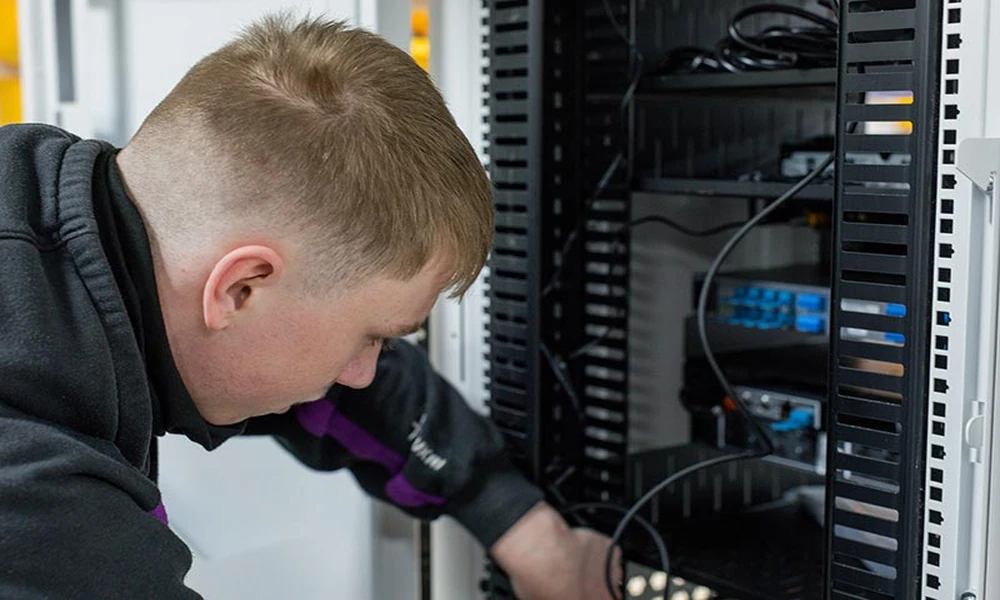
Organised cabling contributes to both appearance and practicality. Properly managed cables are easier to identify, maintain, and replace when necessary. Good organisation can also reduce clutter and help technicians access individual components during future servicing.
Reducing Technical Problems and Maintenance Requirements
A carefully installed system can reduce common problems caused by loose connections, unsuitable positioning, or incorrect configuration. Reliable installation practices may also make troubleshooting simpler when maintenance is eventually required.
