

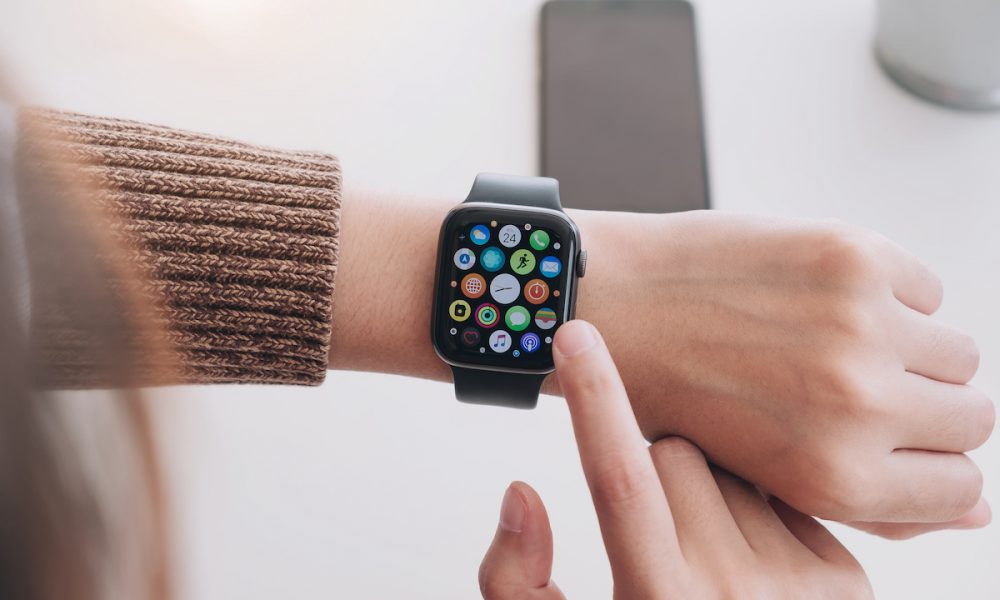
Software updates bring enhancements, new features, and security patches, so it’s important to keep your devices updated. But sometimes, problems can occur during the update process. If your Apple Watch isn’t updating as it should, a few different issues could be the cause. This article will help you identify and solve the most common problems that might prevent your Apple Watch from updating.
Insufficient Battery Life
For an update to take place, your Apple Watch needs to have at least 50% battery. If the battery life is less than this, the update won’t start. The watch should be on its charger and charging while the update is in progress. If the battery dips below 50% during the update, it may pause or stop completely. Ensure that your watch has plenty of battery life before starting an update.
Unstable Internet Connection
An Apple Watch update requires a reliable and steady internet connection. If your internet connection is slow or unstable, it might interrupt the download process, preventing your watch from updating. Ensure that your paired iPhone is connected to a reliable Wi-Fi network. If you’re having connection issues, you may want to reset your router or try connecting to a different network.
Lack of Storage Space
Your Apple Watch also needs sufficient storage space to download and install updates. If there’s not enough space, the update won’t be able to proceed. To check your storage availability, go to the Apple Watch app on your iPhone, tap on ‘General,’ then ‘Usage.’ Here you can see how much storage is available and what’s using up your storage. If needed, you may have to delete some apps or content to free up space.
Software Glitches
Sometimes, a simple software glitch may prevent your Apple Watch from updating. If this is the case, a simple restart might do the trick. To do this, press and hold the side button until you see the Power Off slider, then drag the slider. After your watch turns off, press and hold the side button again until you see the Apple logo. After your watch has restarted, try the update again.
Compatibility Issues
Ensure your Apple Watch model and iPhone are compatible with the latest update. Older models may not support the latest software, preventing updates. You can check this by visiting Apple’s website or searching for the system requirements for the specific update you’re trying to install.
Conclusion
If your Apple Watch isn’t updating, it’s usually due to a common issue that can be easily resolved. By checking your battery life, internet connection, storage space, and device compatibility, and by restarting your watch, you can often solve the problem. If none of these solutions work, you might need to contact Apple support or visit an Apple Store to get help. Remember, keeping your devices updated is essential for ensuring their optimal performance and security.
