

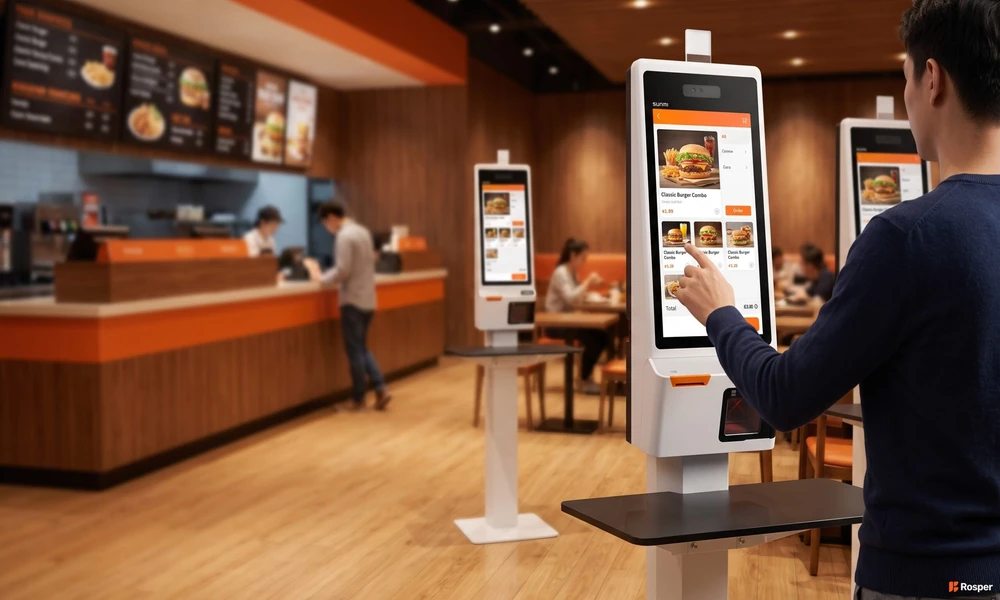
A successful kiosk rollout follows a clear order. Survey each store first, choose the connection type next, pre-configure devices, run a small pilot and only then expand. Most delays come from skipping one of these steps.
Installing one kiosk is straightforward. Installing dozens across many stores is a different job. Every site has its own layout, signal strength and daily routine.
Retail teams usually want to know what to do first and who handles each task. If you’re still comparing connectivity options, go here for an overview of managed kiosk connectivity.
What Does a Typical Rollout Timeline Look Like?
Timelines vary with scale, but most rollouts follow a similar pattern.
| Stage | Typical Timing | Main Goal |
|---|---|---|
| Scoping | Weeks 1-2 | List stores, kiosks and launch dates |
| Site surveys | Weeks 2-4 | Test signal, power and cable routes |
| Connectivity choice | Weeks 3-5 | Pick wired, Wi-Fi, cellular or a mix |
| Device preparation | Weeks 5-6 | Configure and label routers |
| Pilot | Weeks 6-9 | Launch in two or three stores |
| Full rollout | Week 10 onwards | Expand in regional waves |
Who Should Handle Each Part?
Clear roles stop tasks from falling through the gaps. One project owner sets dates, tracks progress and makes final decisions. The IT team chooses connections, configures devices and handles security.
Store managers confirm kiosk locations, brief their staff and report problems. Installers fit the hardware and test each connection on site. After launch, a support provider monitors kiosks and responds to faults.
Which Decisions Matter Most Before Launch?
- Connection type. Fixed kiosks may suit wired links. Moveable or remote kiosks often suit cellular.
- Backup links. Payment and ordering kiosks benefit most from failover.
- Network separation. Keep kiosk traffic off guest Wi-Fi.
- Remote management. Decide how teams will monitor and reboot kiosks without visiting.
Getting these right early prevents expensive changes across many stores later.
How Should the Pilot Be Run?
Choose two or three stores with different conditions, such as one busy store, one small store and one with weak signal. Install kiosks exactly as planned for the wider rollout.
Run the pilot for several weeks. Track how often kiosks drop offline, how long installs take and what staff find confusing. Teams that want to see how remote monitoring supports pilots can go here before finalising their setup.
What Should Be Measured After Launch?
Once kiosks go live, a few simple measures show whether the rollout is working:
- Uptime per kiosk shows reliability by store.
- Signal strength flags weak locations early.
- Data usage helps size data plans correctly.
- Support tickets reveal recurring problems.
- Staff feedback highlights training gaps.
Review these after the first week, then monthly.
Where Do Rollouts Usually Slip?
Most delays are predictable. Teams skip site surveys and find signal problems on launch day. Routers arrive unconfirmed, so installers spend hours on setup. Nobody owns the project, so decisions stall.
Conditions also change between waves. Store refits, new shelving or carrier network updates can affect sites that tested well earlier.
Key Takeaways
- Survey every site before buying hardware.
- Pre-configure devices to save time on site.
- Pilot first, then expand in waves.
- Measure uptime and fix patterns before the next wave.
Quick Answers
- How long does a full rollout take? Small rollouts take weeks. Large ones often take several months.
- Do all kiosks need backup connections? Not all. Prioritise payment and ordering kiosks.
- What’s the biggest early risk? Skipping site surveys.
Large rollouts rarely run perfectly. A clear timeline, defined roles and honest reviews after each wave keep things moving. Steady, well-tested progress beats rushing every store at once.
