

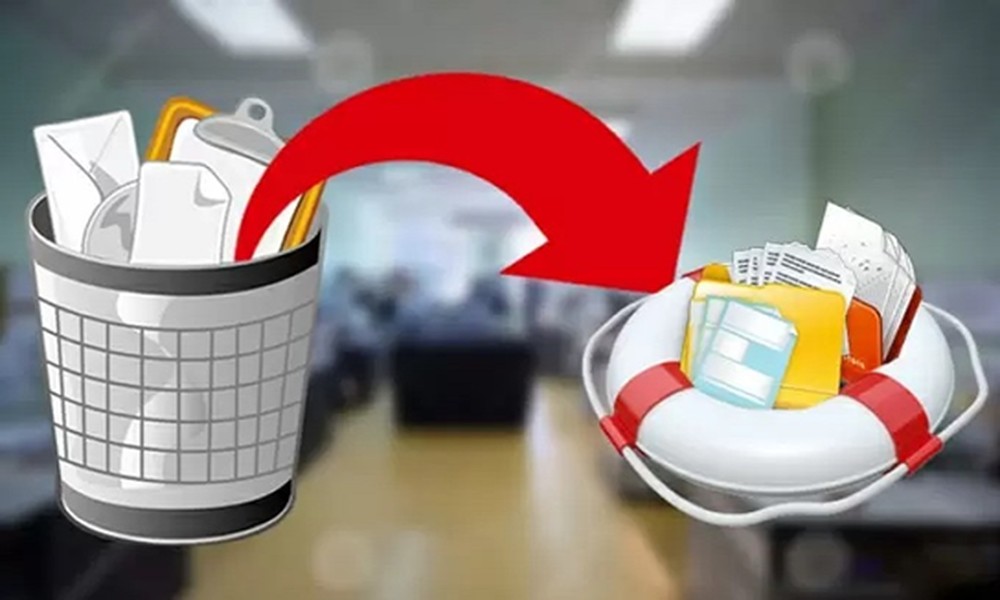
The Recycle Bin is a common feature in most digital devices, including mobiles and laptops. When you delete files, the Recycle Bin holds them temporarily. But, you often want to recover mistakenly deleted files. It is easy to move them from the Recycle Bin. However, how will you restore files removed from the Bin? This is where you need the help of software to restore data deleted from Recycle Bin.
Technical challenges in restoring data from the Recycle Bin
You must be aware of the potential issues during the Recycle Bin’s data recovery.
Permanent file deletion
When you delete files from the Recycle Bin, it leads to their permanent removal from the user interface. The storage space will be available for reuse, but your operating system will fail to detect the files. So, you need recovery software that applies deep scan technologies to locate the data.
Data overwriting
Another big concern about the Recycle Bin’s data recovery is overwriting. Once you have deleted the files, the original version remains on the hard drive until getting replaced by new files. Normal activities, such as downloading files or installing software, may overwrite deleted data. So, it will reduce the chance of recovering your files successfully.
Recycle Bin Cleanup
In some devices, the Operating System automatically removes the Recycle Bin depending on the time setting or storage limits. In other words, the system will permanently remove files, leaving less metadata for recovery. You need to rely on raw data recovery methods in this situation.
SSD TRIM Technology
The TRIM command on Solid State Drives actively removes the deleted data blocks for better performance. After executing TRIM, the system erases your data at the hardware level. In this case, it is difficult to recover your files from the Recycle Bin.
Find the best software for data recovery
Even though you have removed data from the Recycle Bin, it is recoverable with PandaOffice Drecov data recovery software. This application comes with a user-friendly interface, allowing you to restore your files. You can overcome technical challenges with the advanced software. So, install the application and take advantage of its features.
